Add subtitles
Use the public Add subtitles tool when you want captions on a video. Upload a video and VoiceCheap generates the subtitles; you do not need to bring an existing SRT file.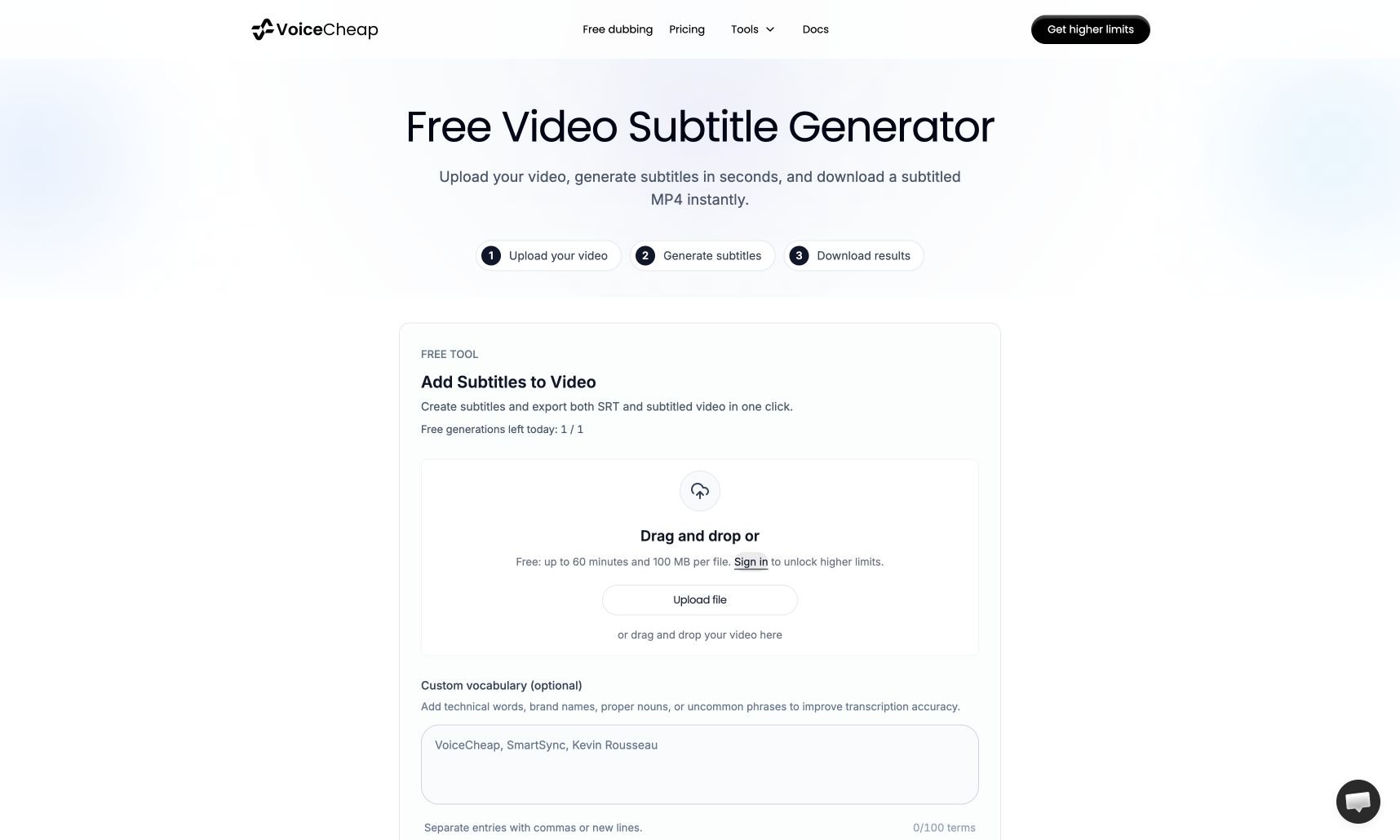
Create a subtitled video
1
Upload a video
Select Upload file or drop your video into the upload area. The public limit is 60 minutes and 100 MB per file.
2
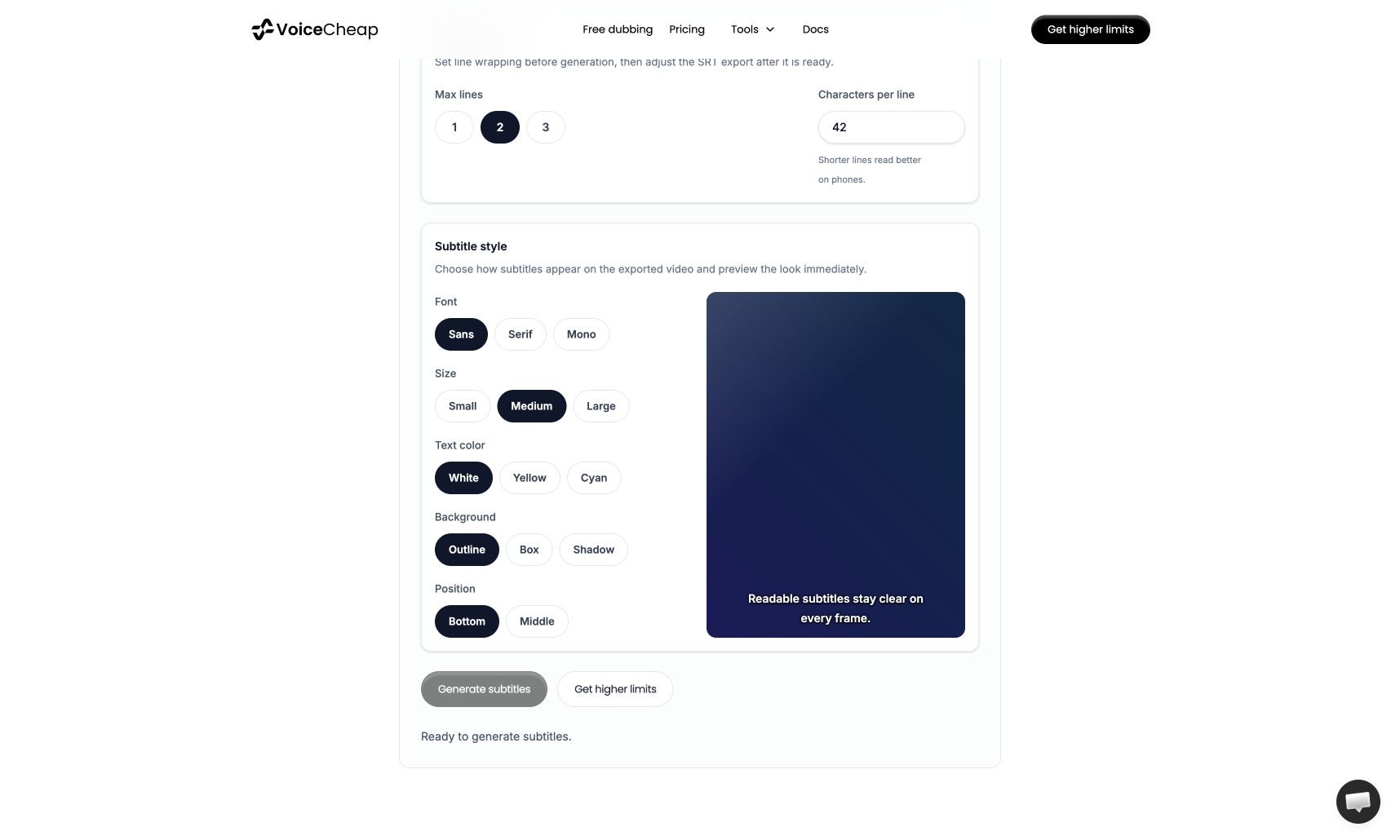
Set the subtitle options
Optionally enter difficult names in Custom vocabulary. Set Max lines and Characters per line, then use Subtitle style to preview
the font, size, color, background, and position that will appear in the video.
3
Generate and download
Select Generate subtitles. Review the result, then download the editable SRT and the subtitled MP4.